POLISphone
Workflow
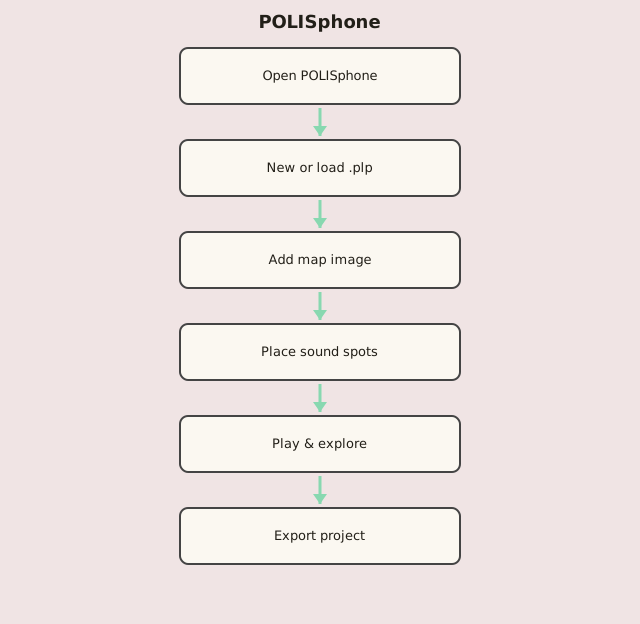
Steps
- Start a new sonic map or upload an existing .plp project.
- Choose Portophone mode or a custom image background.
- Place sound spots on the map; assign recordings or files.
- Click spots to explore the soundscape.
- Optional: record a performance and download the project.